Hello I want to remove or hide this sidebar. I only want to do this for a specific route only
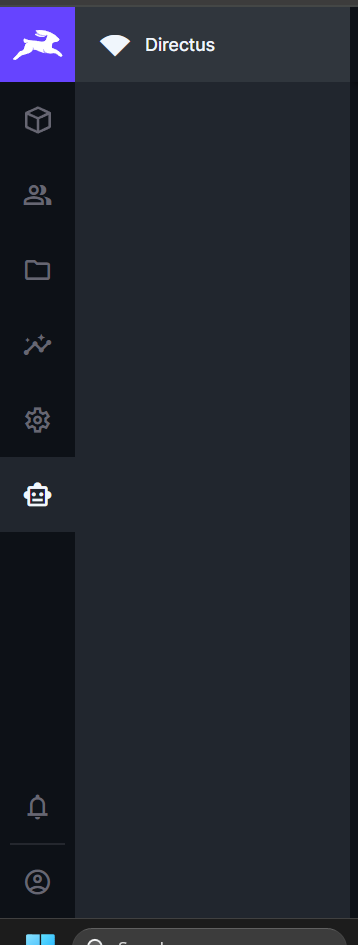
Thanks.
Hello I want to remove or hide this sidebar. I only want to do this for a specific route only
Thanks.
This solutions works well.
<template>
  <private-view title="AI Agent - Chat">
    <ChatWindow />
  </private-view>
</template>

<script>
import ChatWindow from "./components/ChatWindow.vue";

export default {
  components: {
    ChatWindow,
  },
  mounted() {
    if (window.location.pathname === "/admin/ai-agent") {
      document.body.classList.add("ai-agent-view");
    }
  },
  beforeUnmount() {
    document.body.classList.remove("ai-agent-view");
  },
};
</script>

<style>
body.ai-agent-view aside#navigation > .resize-wrapper.transition {
  display: none !important;
}
</style>
Is this some sort of a custom extension?
– AbdallahHello, Abdallah, sorry for the late response. Yes, this is a custom extension. I was using this extension, and I wanted to hide the sidebar. https://community.directus.io/t/transform-your-directus-cms-with-intelligent-automation-smart-data-interpretation-and-natural-language-processing/639
– ahmad_quvor